Images + videos
Download the original images and videos behind your pins instead of settling for small previews.
Download images and videos for free, keep every inspiration organized, and save everything privately on your own computer.
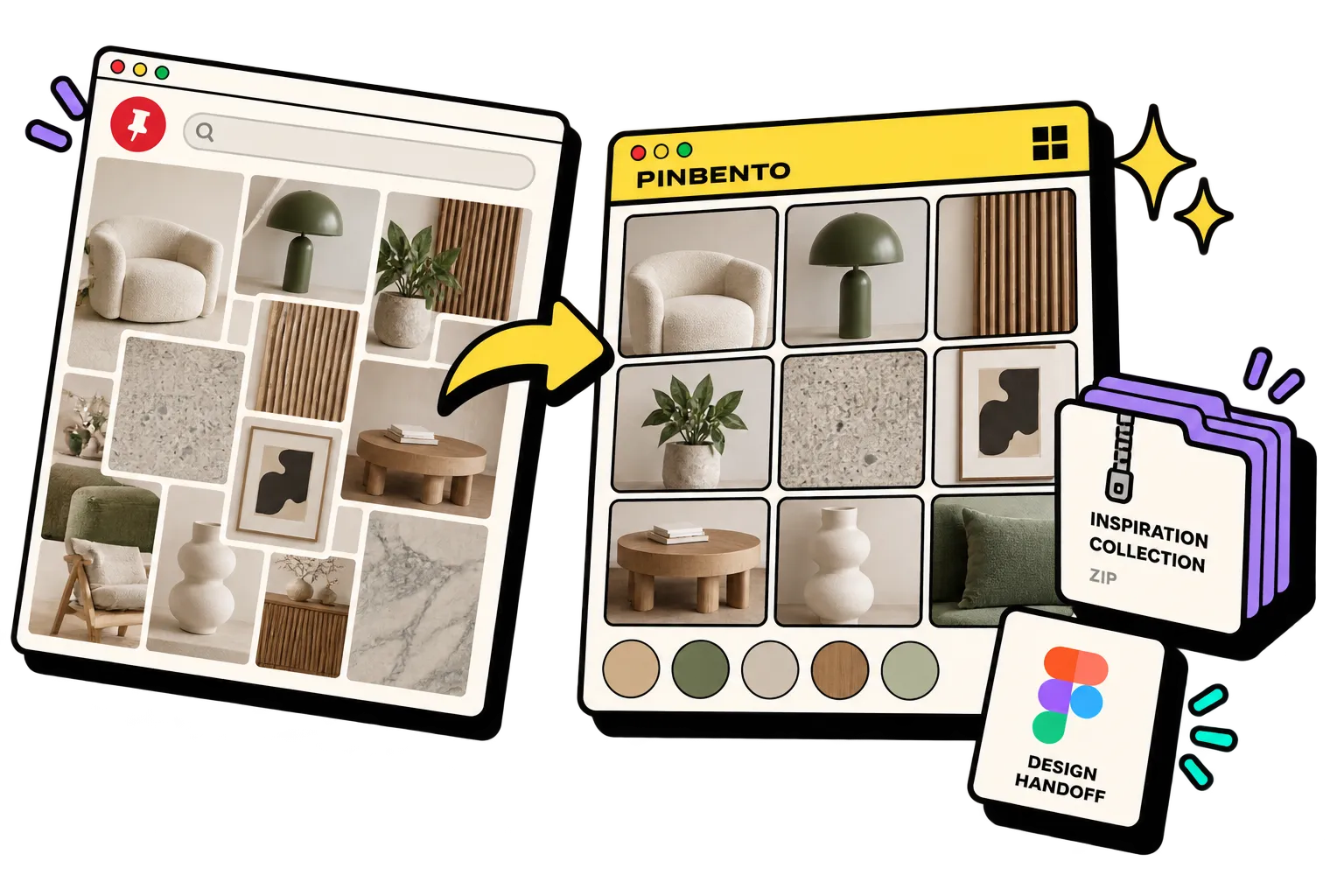
Same inspiration.
Less busywork.
Choose the board you want to collect.
Select individual pins or gather the complete board.
Save your images and videos in an organized ZIP, or hand the collection to Figma.
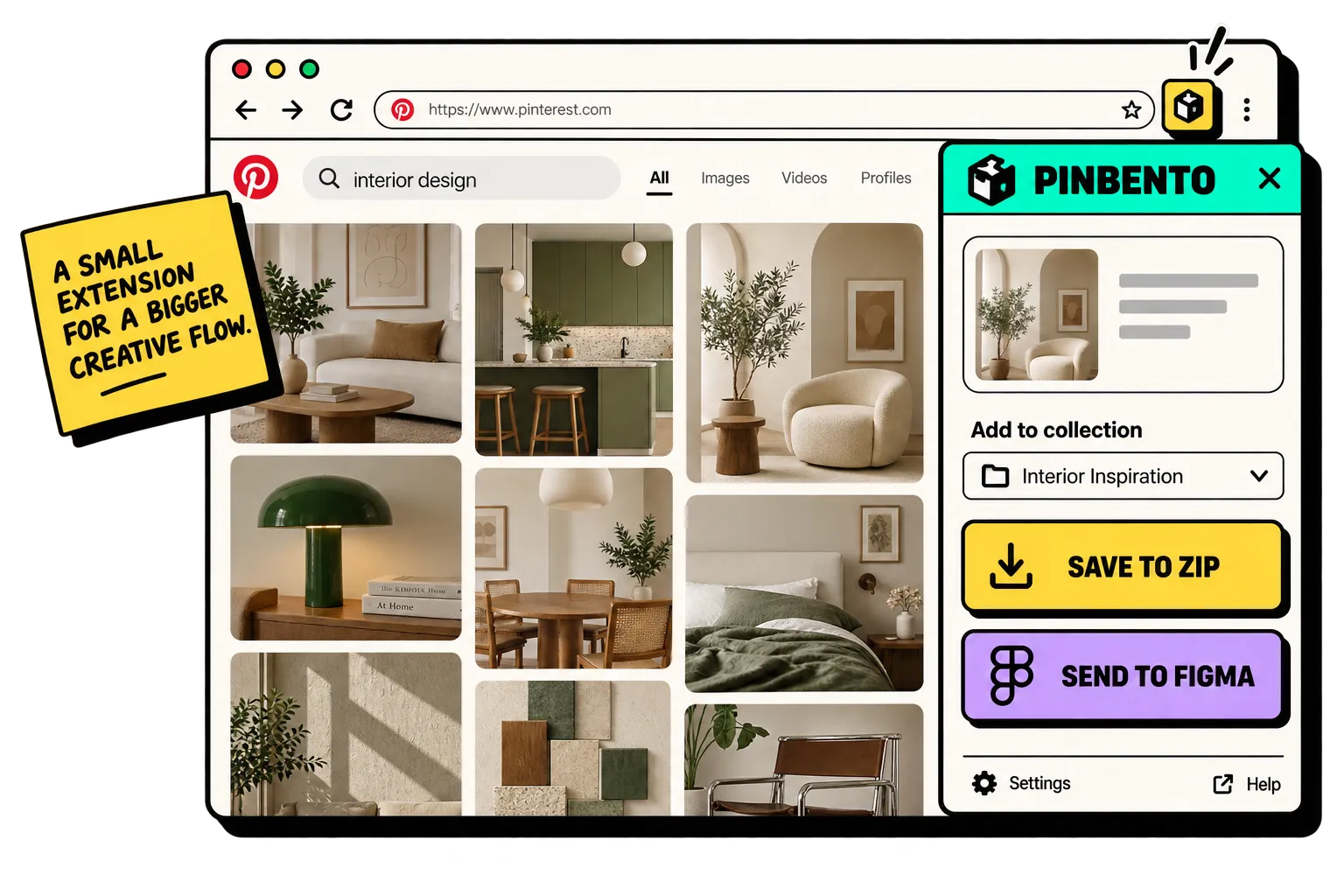
Download the original images and videos behind your pins instead of settling for small previews.
Keep useful names and board context attached, so exported inspiration is ready for real projects.
Everything is processed and saved on your computer. PinBento does not collect or upload your personal inspirations.
Pick specific pins for a focused reference set, or take the whole board when you need the full picture.
Collect. Organize.
Export. Create.
Download image and video pins without leaving your board. Everything stays on your computer.
Bring the collection onto your canvas in one clean handoff.
Free for your inspiration
PinBento is made for personal inspiration collecting—without subscriptions or sending your boards to us.
Straight answers for a smoother creative flow.
PinBento downloads the original images and videos available from the pins you choose, with useful filenames that keep your personal inspiration organized.
Yes. PinBento supports both image and video pins, so a mixed inspiration board can be saved as one organized collection.
No. Your boards and personal inspirations are processed locally and saved only to your computer. PinBento does not collect them or send them to our servers.
Yes. PinBento is designed for both quick, selective collections and complete-board exports.
A companion Figma workflow is planned so collections can move from the browser to your canvas in one clean handoff.
Yes. PinBento is free for downloading and organizing your personal inspiration. Browser store links will be published when the extension launches.
PinBento is currently in development and will launch free. Browser store links and the release date will be published when it is ready.
PinBento is part of Piolez—a small collection of focused tools that clear friction from visual research.
Images, videos, and personal inspiration—saved privately on your computer.